



Settings
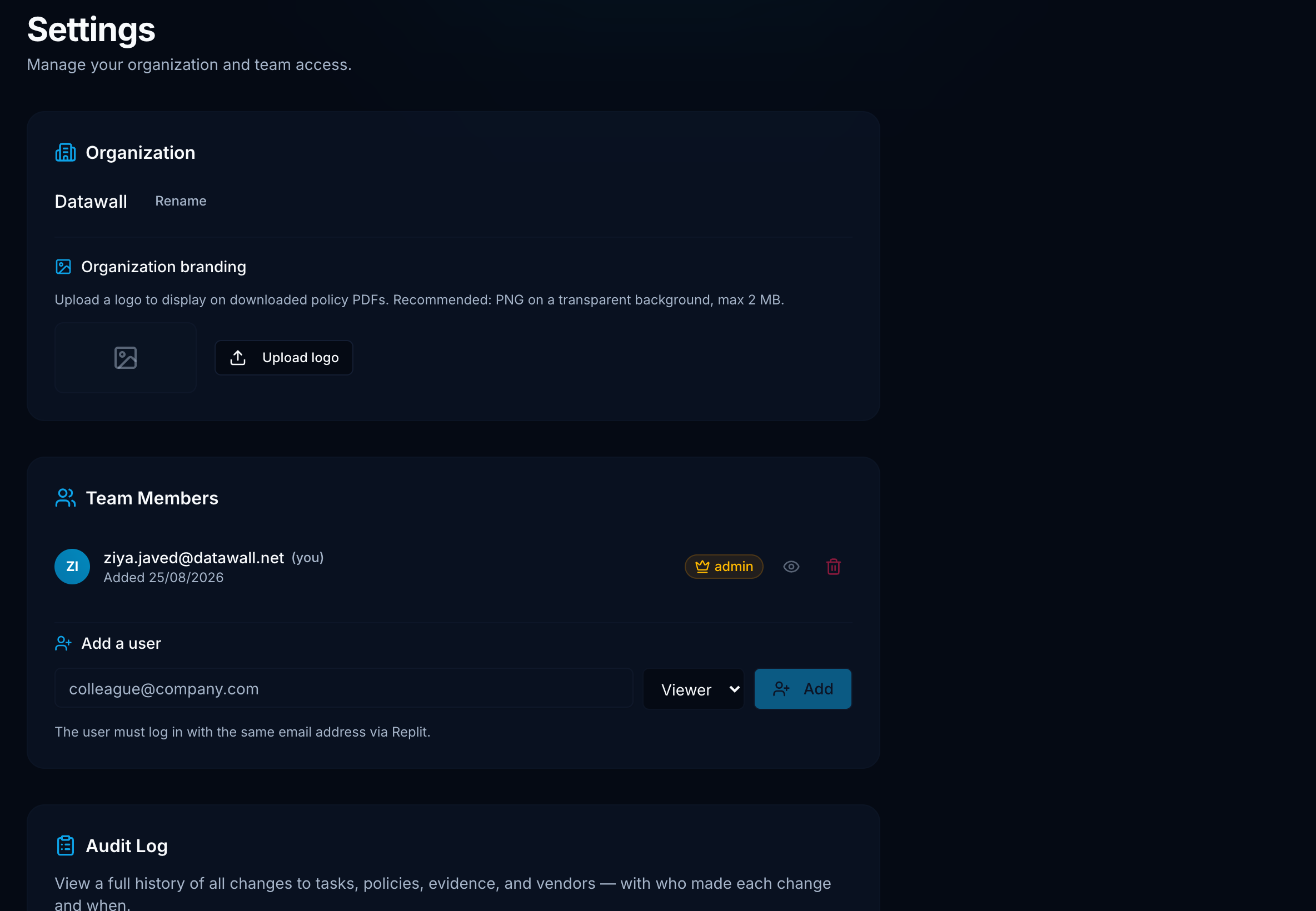
Organization name, team invites and roles, and admin shortcuts to Integrations and Audit Log.
Where it lives
Sidebar bottom → Settings (/settings)
Sections
Admins can rename the company. The name appears on Executive View and PDFs. Finish onboarding by replacing My Organization.
List of emails allowed to sign in. Invite with viewer (read-only) or admin. Change role or remove a user here. The email must match the identity-provider account exactly.
Shortcut to the full Integrations page. Connect AWS, GCP, GitHub, and KiteCyber there - not in Settings directly.
Admins get a shortcut to Audit Log.
Roles
| Role | Access |
|---|---|
| Admin | All writes, invites, integrations, org rename, audit log |
| Viewer | Read-only across the workspace |
Atlas does not send invite emails. After you add someone, tell them to sign in at your Atlas URL with that email.
KiteCyber credentials are entered on the Integrations page, not in Settings.