



Introduction to Atlas
The intelligent security roadmap for startups. Build fast. Stay secure. - Atlas by Datawall.
ATLAS
The intelligent security roadmap for startups. Build fast. Stay secure.
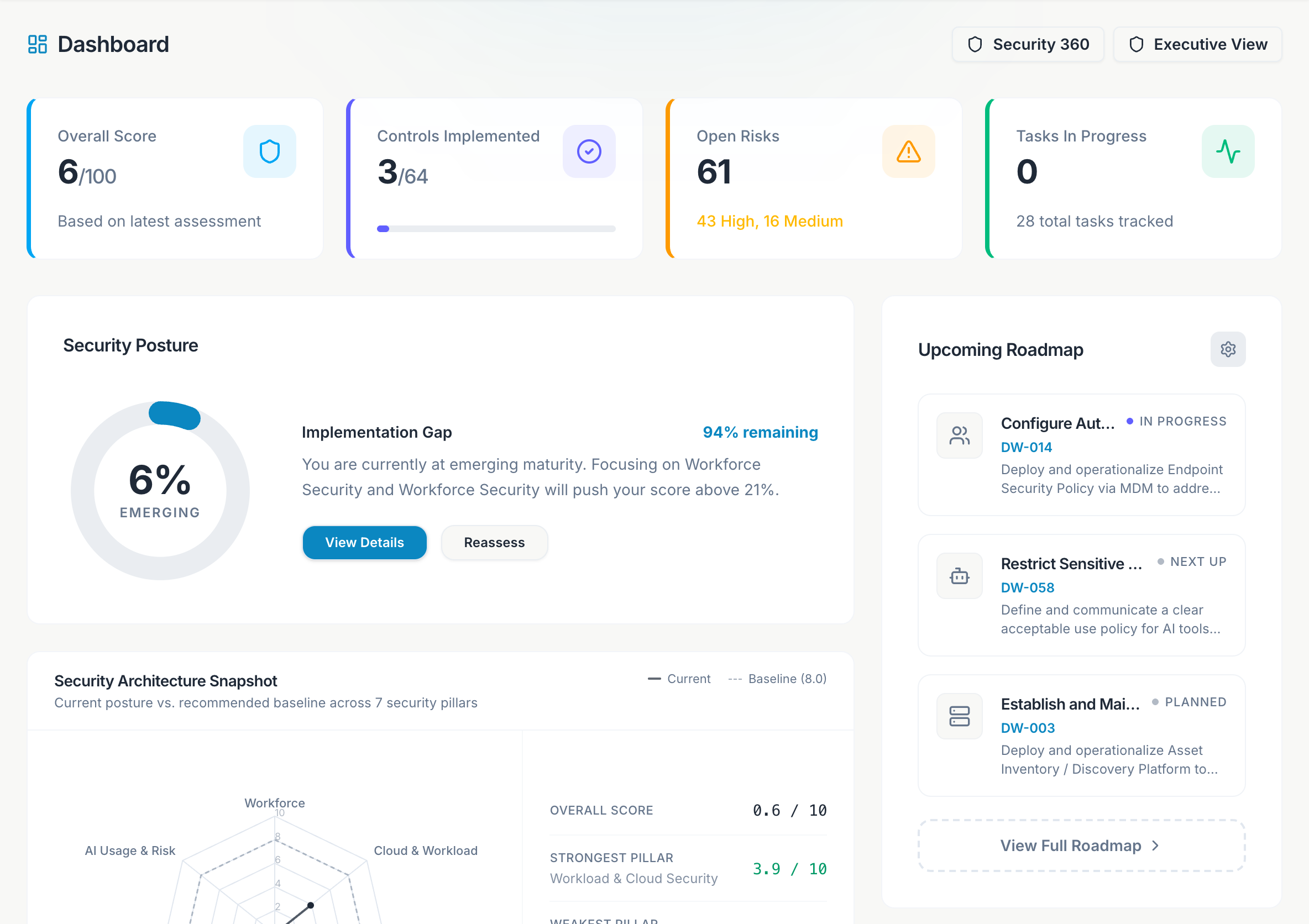
Atlas is Datawall's Virtual CISO workspace. Assess posture against CIS Controls, get a prioritized roadmap, connect cloud and endpoint integrations, and run framework programs (SOC 2, ISO 27001, GDPR, DPDP Act 2023, ISO 9001, ISO 42001) in one place.
These docs mirror the product: one Platform tab in the top nav with Getting Started at the top, then every sidebar area grouped below. Framework and help pages linked from Platform also appear there as submenus so you never lose your place.
Quick Start
Sign in, complete onboarding, run your first assessment, and connect integrations.
First-week playbook
Day-by-day admin schedule from invite through executive PDF.
Platform map
Every sidebar page - from Dashboard and Security 360 through AI Governance and Integrations.
Frameworks
SOC 2, ISO 27001, GDPR, DPDP, ISO 9001, ISO 42001, and cross-framework mapping.
What Atlas does
A CIS Controls v8 questionnaire across seven pillars produces your security score, gap analysis, and prioritized roadmap. Re-submit anytime to track improvement.
Security 360, Inventory, and Vulnerabilities show live posture when AWS, GCP, GitHub, or KiteCyber is connected. Manual records work before integrations are ready.
Framework workspaces map controls to tasks, policies, and evidence. Cross-Framework master tasks (MTIDs) reduce duplicate work across SOC 2 and ISO 27001.
AI Governance inventories AI systems, usage signals, and risk issues - aligned with ISO 42001 and fed by cloud and GitHub connectors.
How the product is organized
Atlas is one organization (not multiple projects). After sign-in you work in a single workspace with a grouped left sidebar.
Workspace - Dashboard, Security 360, Assessment, Roadmap, Tasks.
Security - Inventory (Identities, Endpoints, Cloud, Software) and Vulnerabilities.
Compliance - Frameworks and Policies & Standards.
AI Governance - Overview, AI Inventory, Usage & Data Activity, AI Risk.
Risk - Risk Register and Third-Party Risk (Dashboard / Vendors).
Resilience - Business Continuity.
Bottom of the sidebar: Audit Log (admins), Integrations, Settings, and sign out.
Admin - full write access, invites, integrations, org rename, audit log.
Viewer - read-only across every page. Access is invite-only by email.
See Roles and access for the full permission matrix.
A floating button on every page. The advisor uses your live assessment, roadmap, tasks, inventory, integrations, and framework progress.
Getting Started docs
Use this sequence if you are new to Atlas:
Quick Start
Sign in and connect your first integration - the minimum path to a live workspace.
Onboarding wizard
Five setup steps - profile, frameworks, assessment, controls, first evidence.
First-week playbook
Day-by-day admin plan for teams launching a security program.
Platform map
Every page in the sidebar with links to detailed guides.
Your first week (summary)
Sign in and invite your team
The first person to sign in becomes the organization admin. Add teammates in Settings → Team Members.
Complete onboarding
Set your company profile, pick frameworks, and finish the setup checklist from the dashboard banner.
Run the assessment
Answer the CIS questionnaire and submit. This drives your score, roadmap, and tasks.
Connect integrations
Open Integrations to connect AWS, GCP, GitHub, or KiteCyber for live inventory and Security 360 signals.
Atlas is invite-only. An organization admin must add your email in Settings → Team Members before you can enter the workspace.
Powered by Datawall Engine.