



Onboarding wizard
Complete Atlas setup - company profile, frameworks, assessment, recommended controls, and first evidence.
Where it lives
The onboarding wizard opens automatically for admins until all five steps are complete. You can reopen it from the dashboard banner (Continue setup) or finish steps in any order.
The five steps
Company profile
Set your organization display name (replacing My Organization), industry, and company size. This appears on the Executive View PDF and in audit exports.
Pick frameworks
Select the compliance programs you are pursuing: SOC 2, ISO 27001, GDPR, DPDP Act 2023, ISO 9001, and/or ISO 42001. You can add or remove frameworks later under Compliance → Frameworks or in Framework workspaces.
Complete the assessment
Answer the CIS Controls v8 questionnaire across seven pillars. Save progress anytime; submit when ready - that submission drives your score, roadmap, tasks, and risks.
Review recommended controls
Atlas suggests controls based on your answers. Confirm the list so roadmap and task generation align with your priorities.
Start implementation
Assign at least one task owner and attach one piece of evidence (file or link). This closes the loop between assessment and execution.
Skipping and returning
| Situation | What to do |
|---|---|
| Need to invite teammates first | Skip to Settings → Team Members, then return via the dashboard banner |
| Framework choice uncertain | Pick your best guess now; change under Frameworks later |
| Assessment takes multiple sessions | Use Save on each pillar; submit only when all sections are reviewed |
| Admin unavailable | Viewers can read the dashboard but cannot finish admin-only steps |
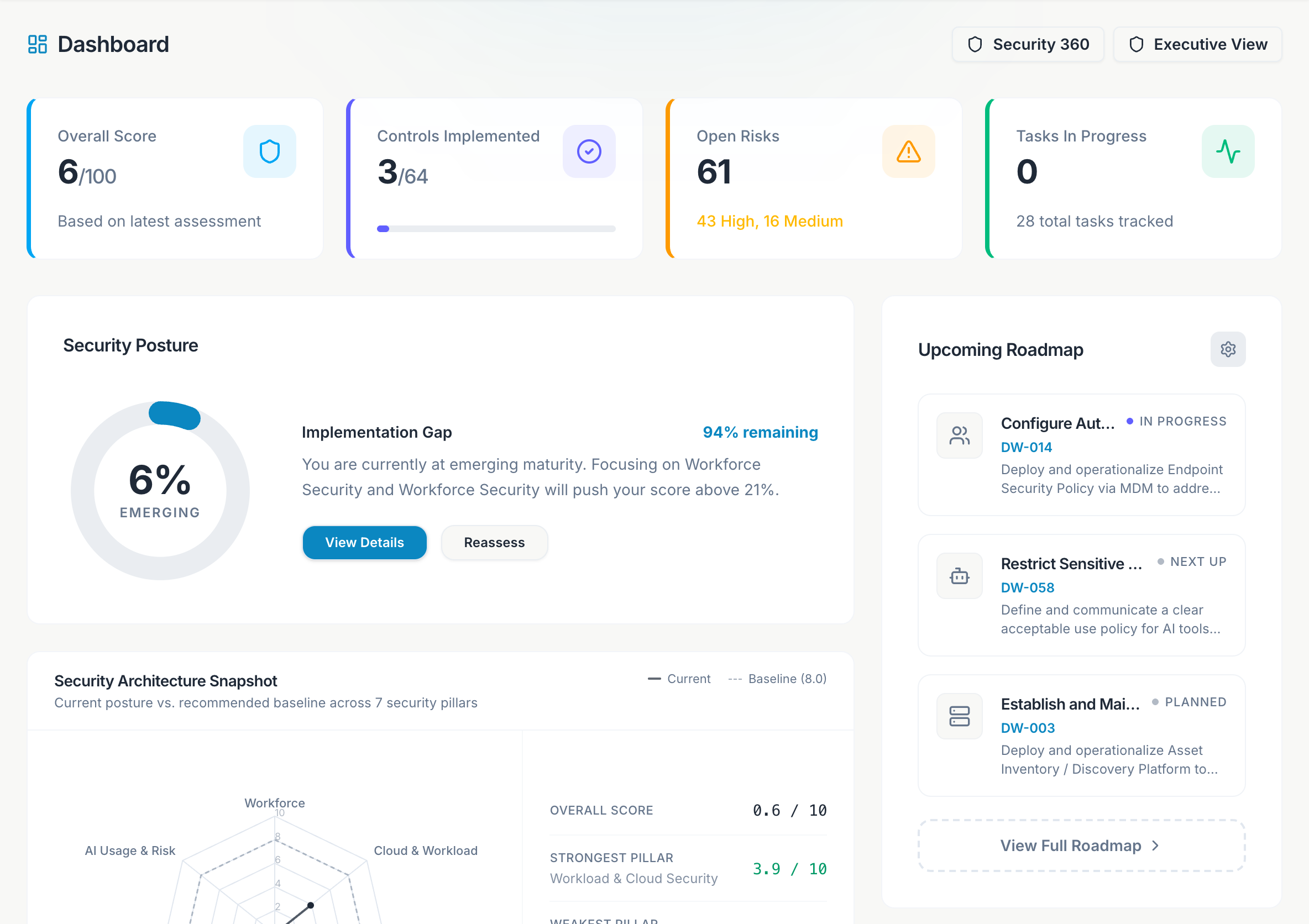
The dashboard shows X of 5 setup steps complete until onboarding is done. Treat it as your admin checklist for the first week.
After onboarding
Dashboard
Review score, radar, and pillar coverage.
Roadmap
Work the Do now / Do next / Can wait list.
Integrations
Replace sample inventory with live AWS, GCP, GitHub, or KiteCyber data.
Executive View
Download a board-ready PDF once the assessment is submitted.
See Quick Start for sign-in and first integration, and First-week playbook for a day-by-day admin schedule.