



Setup Security Dashboard
Admin guide - first-week checklist to get score, roadmap, inventory, and Security 360 running.
Goal
By the end of week one, your organization should have a submitted assessment, a prioritized roadmap, at least one integration syncing, and invited teammates.
Checklist
Confirm access
Sign in as admin. Add every teammate in Settings → Team Members with the correct role (admin or viewer).
Finish onboarding
Complete all five setup steps from the dashboard banner: company profile, frameworks, assessment, control review, first task/evidence.
Submit the assessment
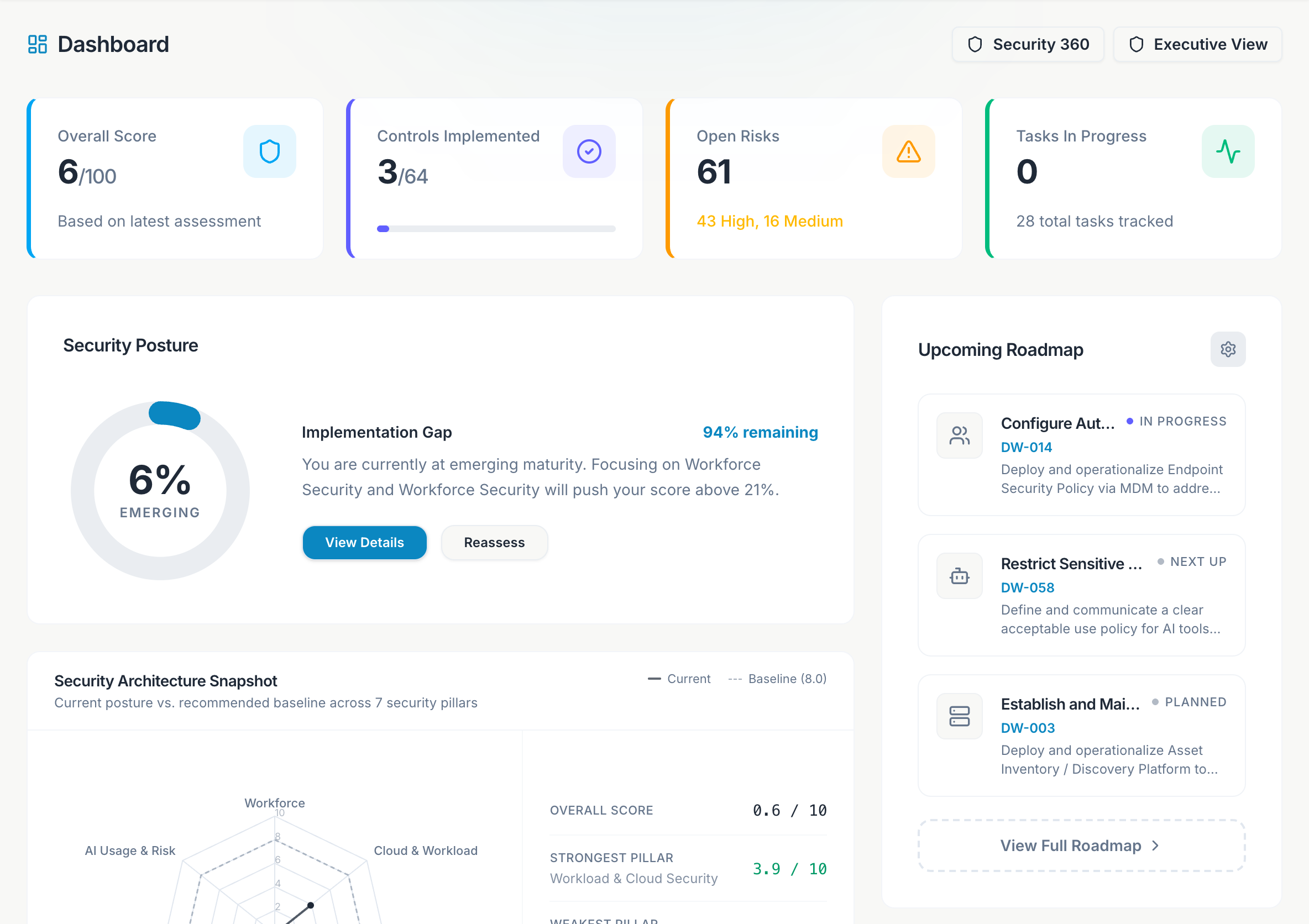
Open Assessment, answer honestly, and submit. Dashboard score and radar update immediately.
Review the roadmap
Open Roadmap. Assign owners to Do now items and create tasks for the top three capabilities.
Connect an integration
Open Integrations. Connect at least one source your org actually uses - AWS, GCP, GitHub, or KiteCyber. Run Sync now.
Check Security 360
Open Security 360 after sync. Confirm widgets show live data (not sample mode).
Review inventory
Walk Inventory tabs (Identities, Endpoints, Cloud, Software). Assign owners on critical items.
Export for leadership
Open Dashboard → Executive View and download the PDF for your first security review meeting.
Recommended integrations by company profile
| If you use… | Connect first | Why |
|---|---|---|
| AWS | AWS | Cloud misconfigurations, IAM, AI services |
| Google Cloud | GCP | SCC findings, Vertex/Gemini inventory |
| GitHub for code | GitHub | Copilot seats, secret scanning, branch protection |
| Managed endpoints | KiteCyber | Devices, shadow SaaS, GenAI on laptops |
Weekly rhythm
- Monday - Check Dashboard score delta and Security 360 open findings.
- Wednesday - Triage Tasks and Vulnerabilities due this week.
- Friday - Update framework evidence and review AI Governance inventory.
After week one, enable the frameworks you selected during onboarding and start attaching policies in Policies & Standards.